Your Player Snips Are Ready to Copy: Watch the Getting Started Video Hover over each one to get the Player Snip code. Then in another window, open your course curriculum. Find the lesson you wish to place the snip into and put the editor into code view. After putting the editor in code view, paste in the Player Snip. Once the snip is pasted, get out of code view, save the course and then preview the lesson sinde the course player. See the latest updates  

Welcome To Player Snips

Please watch the getting started video below before you begin using your new superpowers

SHOW POPUP

Lorem ipsum dolor sit amet, consectetur adipiscing elit, sed do eiusmod tempor incididunt ut labore et dolore magna aliqua. Ut enim ad minim veniam, quis nostrud exercitation ullamco laboris nisi ut aliquip ex ea commodo consequat. Duis aute irure dolor in reprehenderit in voluptate velit esse cillum dolore eu fugiat nulla pariatur. Excepteur sint occaecat cupidatat non proident, sunt in culpa qui officia deserunt mollit anim id est laborum.
Lorem ipsum dolor sit amet, consectetur adipiscing elit, sed do eiusmod tempor incididunt ut labore et dolore magna aliqua. Ut enim ad minim veniam, quis nostrud exercitation ullamco laboris nisi ut aliquip ex ea commodo consequat. Duis aute irure dolor in reprehenderit in voluptate velit esse cillum dolore eu fugiat nulla pariatur. Excepteur sint occaecat cupidatat non proident, sunt in culpa qui officia deserunt mollit anim id est laborum.
Lorem ipsum dolor sit amet, consectetur adipiscing elit, sed do eiusmod tempor incididunt ut labore et dolore magna aliqua. Ut enim ad minim veniam, quis nostrud exercitation ullamco laboris nisi ut aliquip ex ea commodo consequat. Duis aute irure dolor in reprehenderit in voluptate velit esse cillum dolore eu fugiat nulla pariatur. Excepteur sint occaecat cupidatat non proident, sunt in culpa qui officia deserunt mollit anim id est laborum.
PS-040

COPY PLAYER SNIP
HELP GUIDE

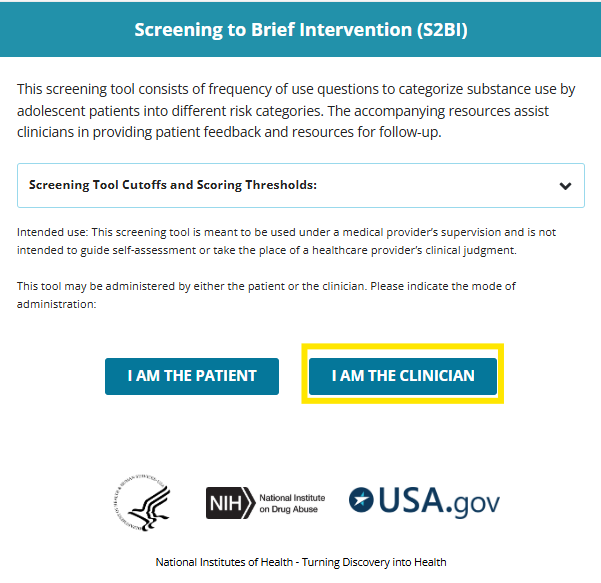
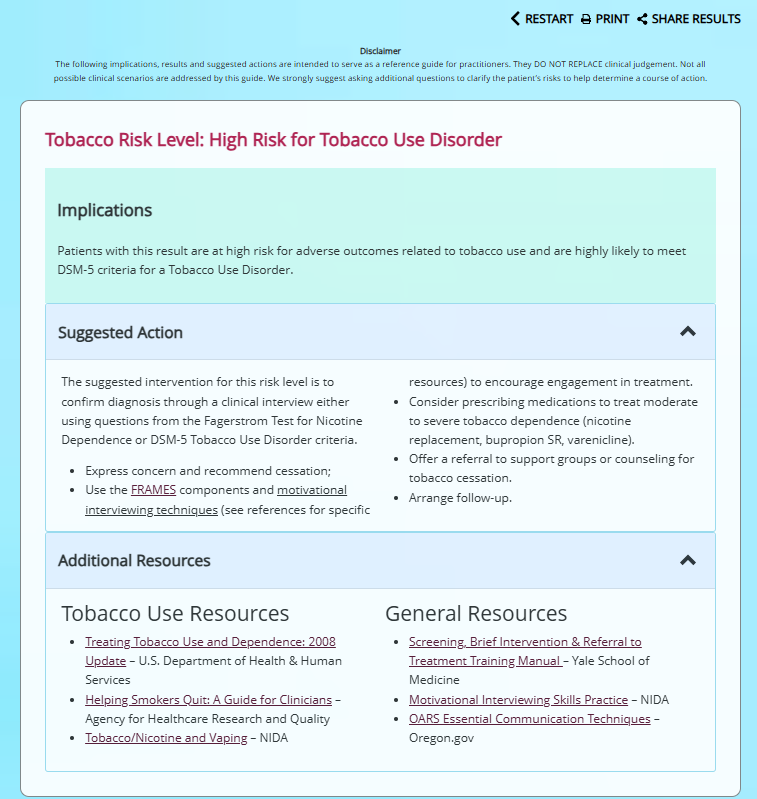
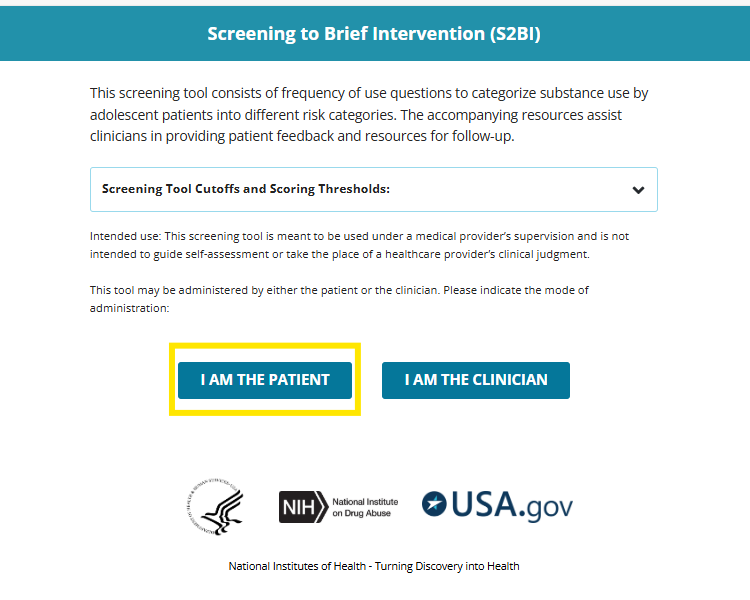
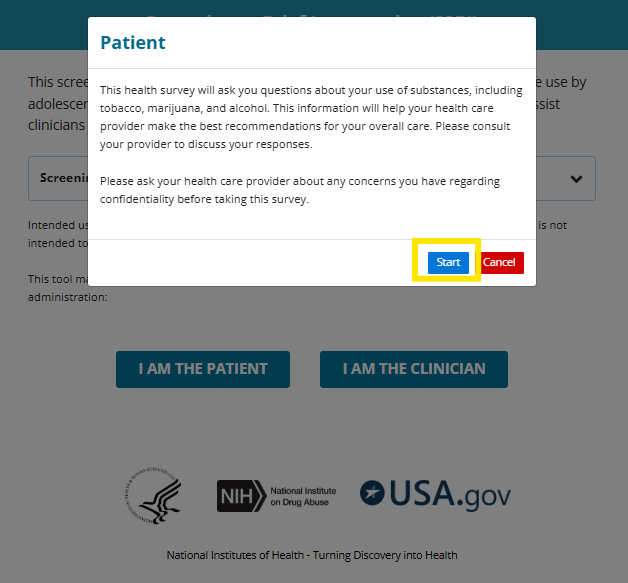
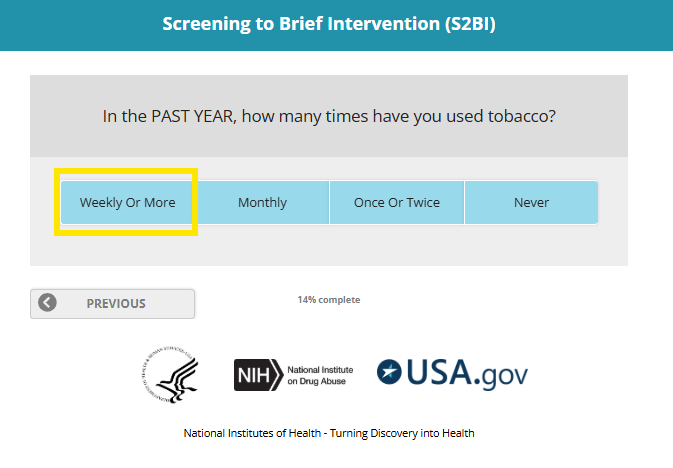
MPN Tobacco Treatment Specialists: Please Read

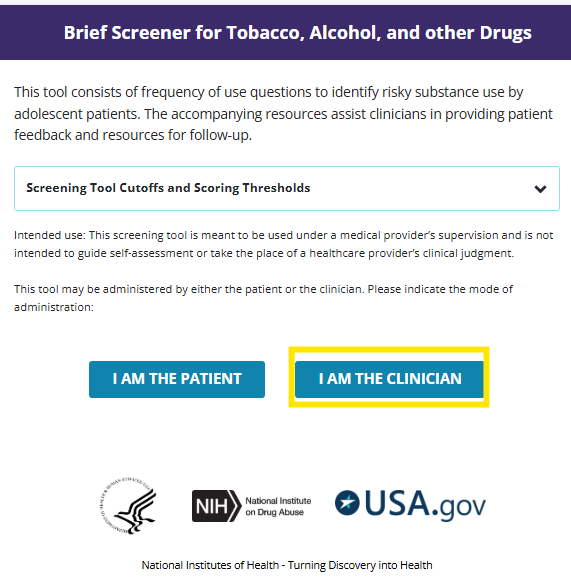
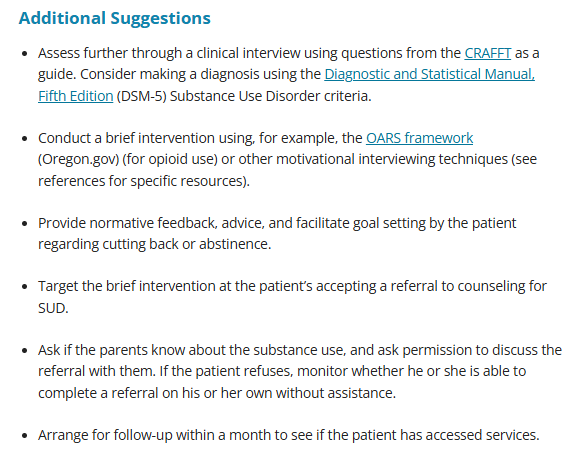
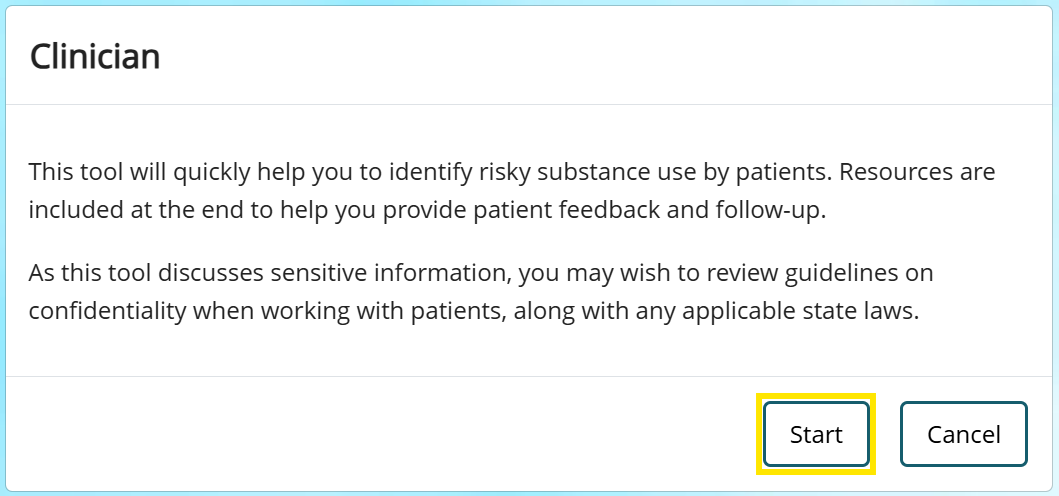
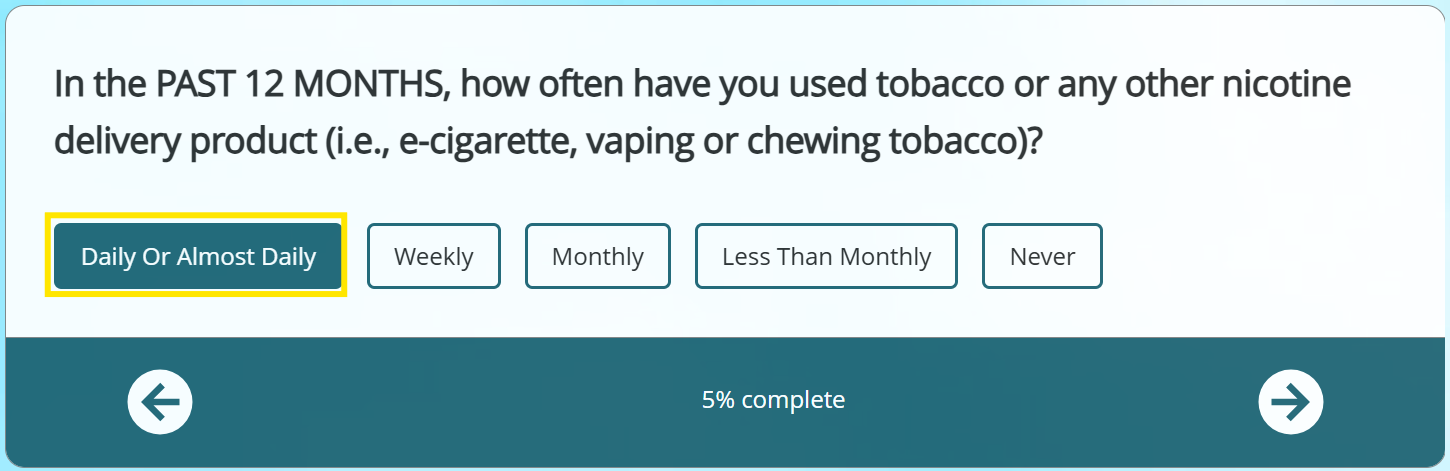
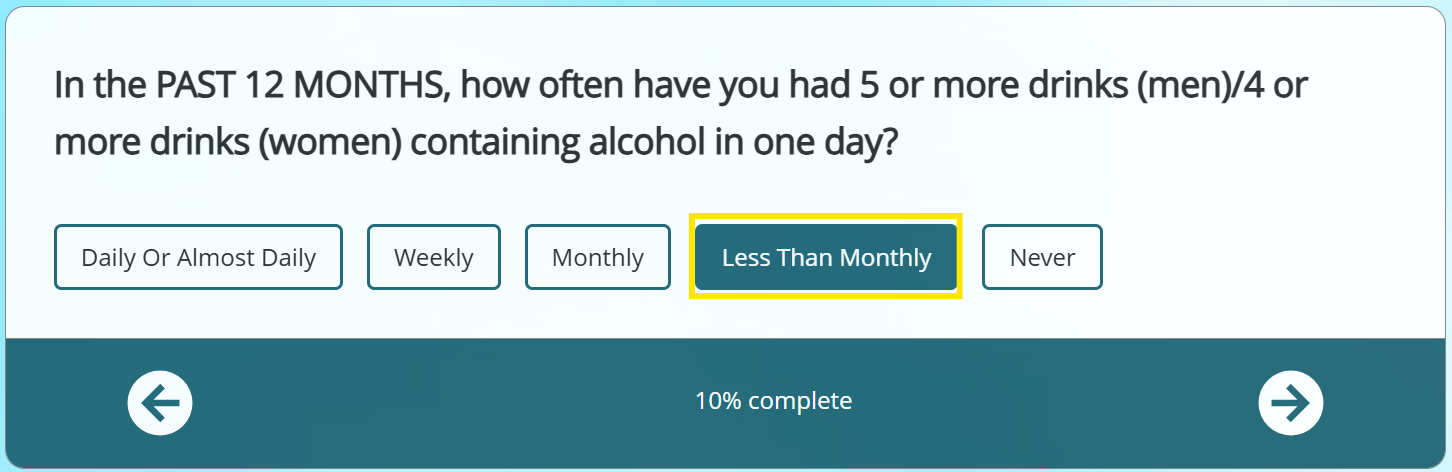
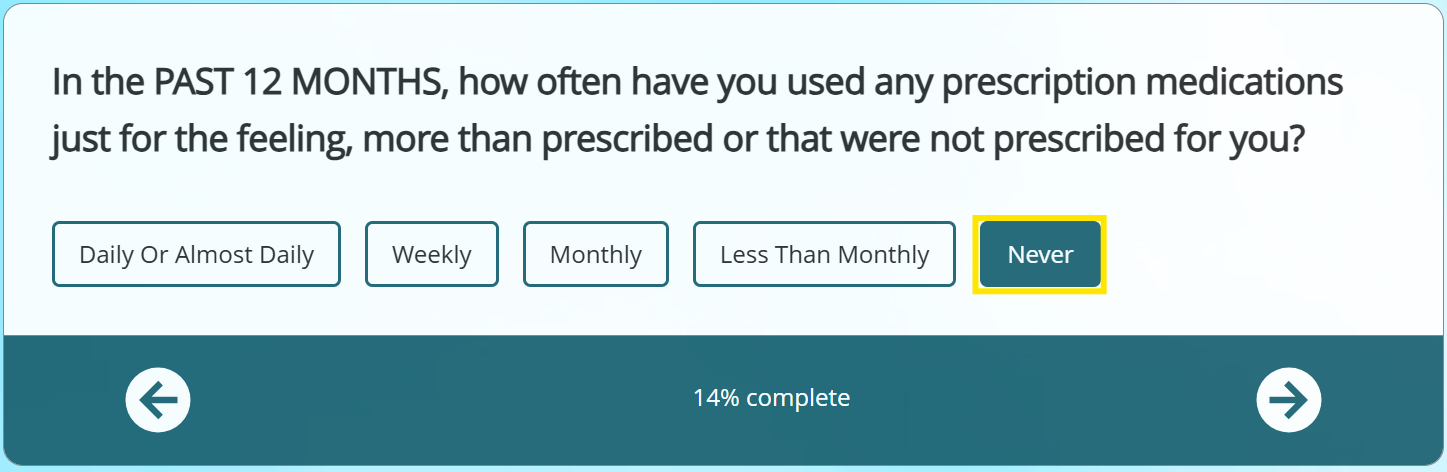
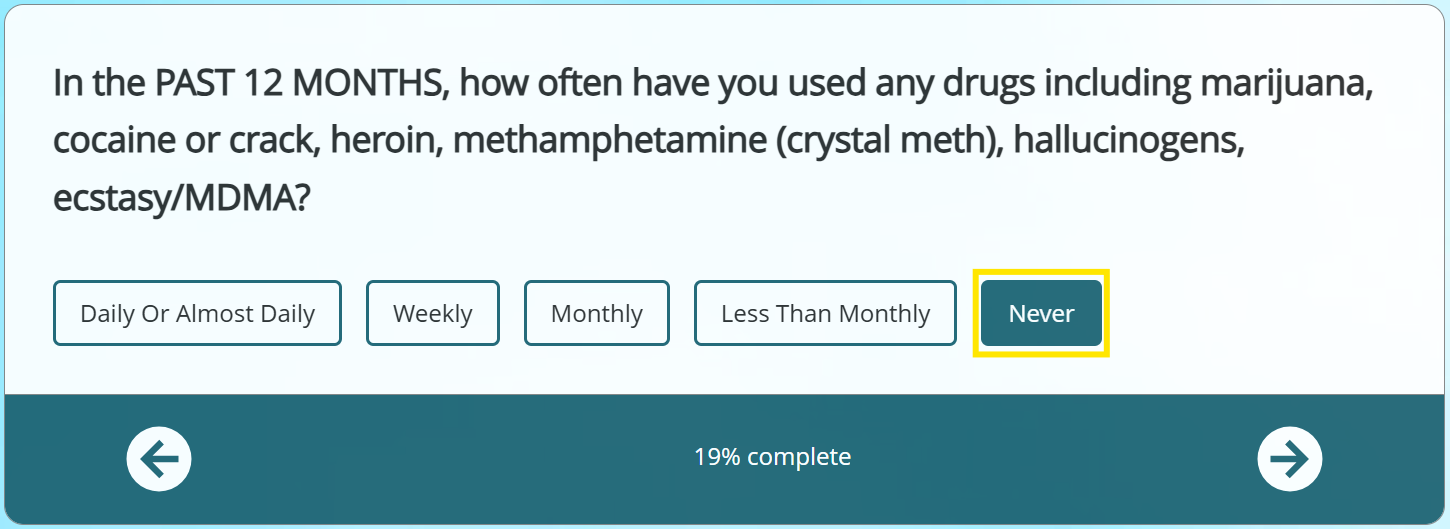
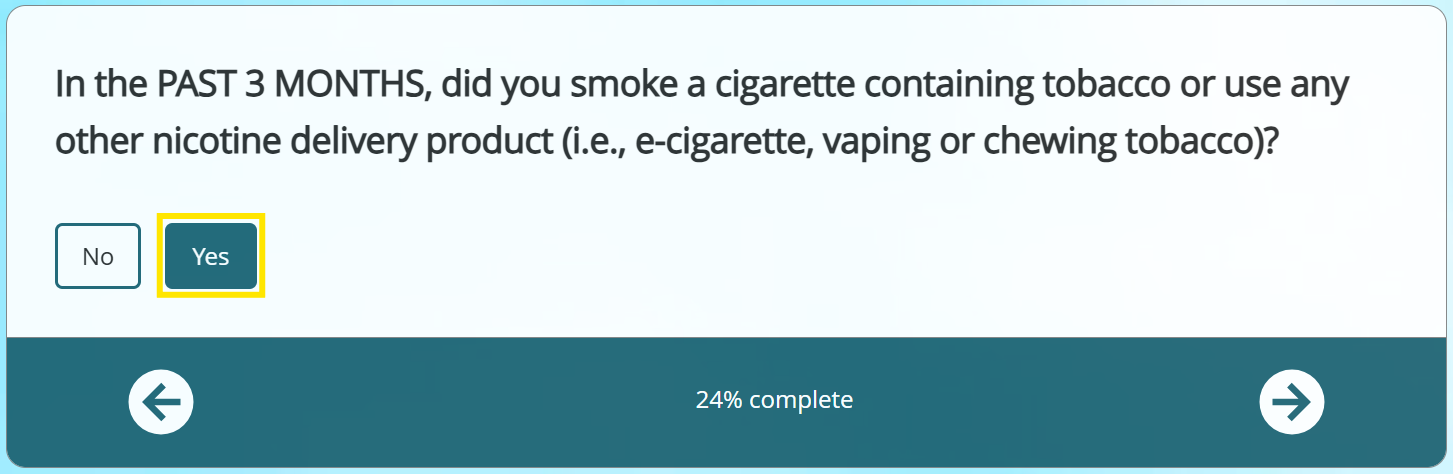
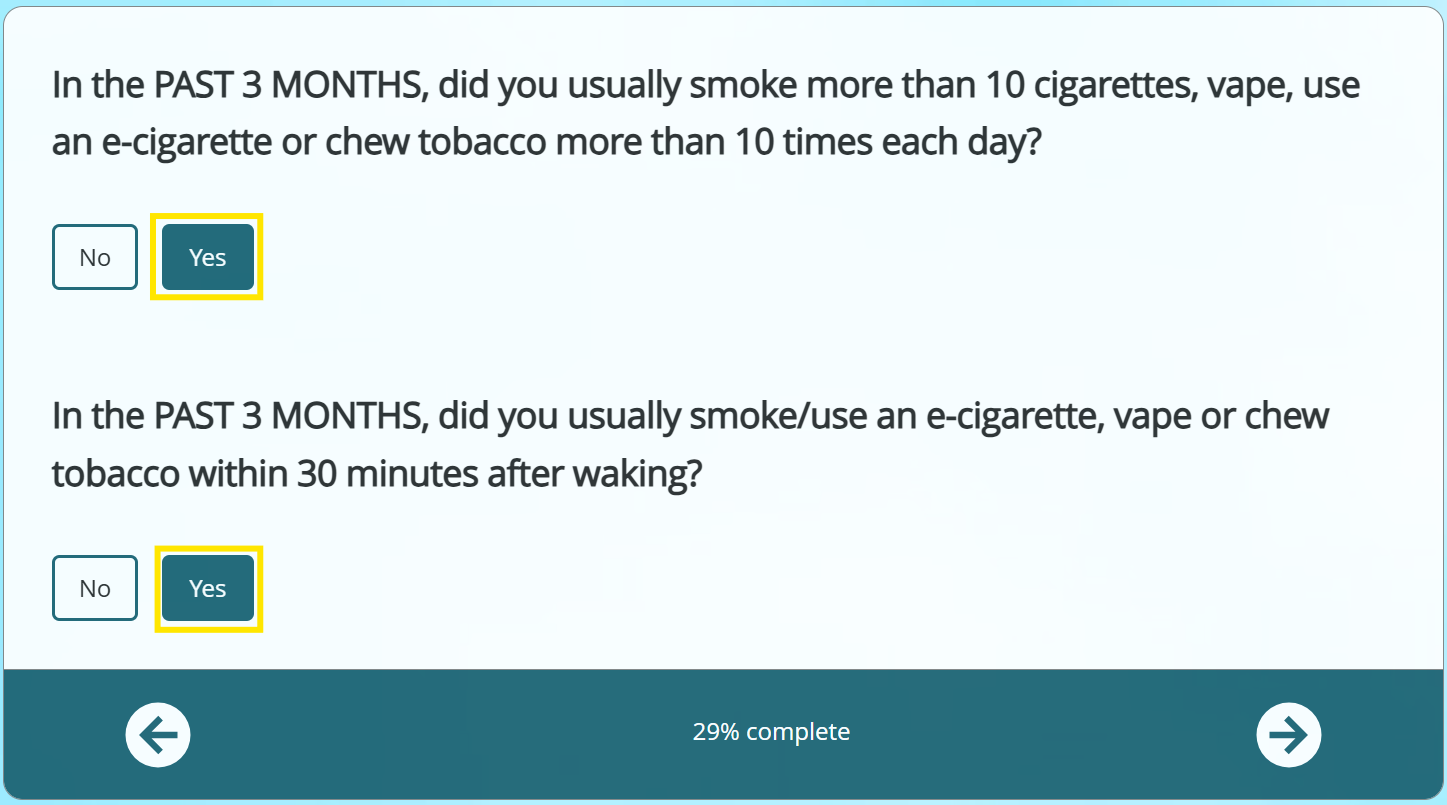
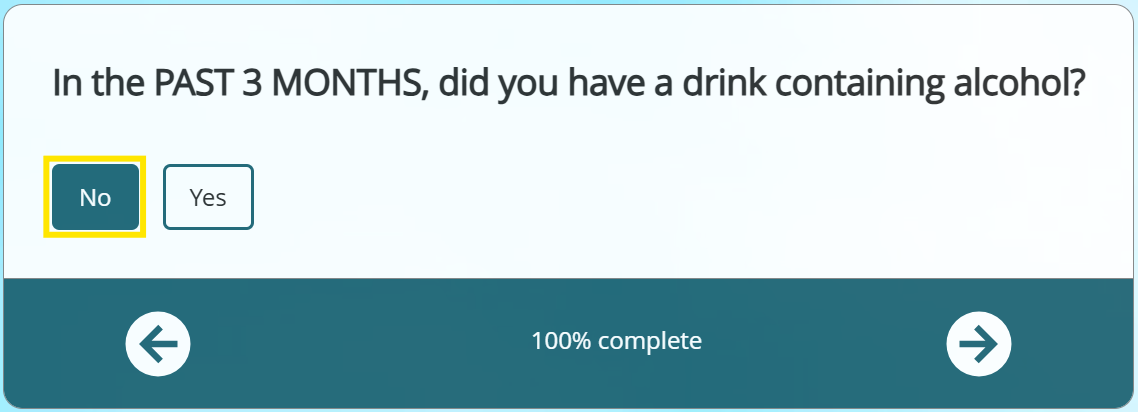
  • Tobacco Treatment Specialists are welcome to utilize any additional tools they wish to support student screening & assessment; however, the CRAFFT 2.1+N Interview will be the standard screening that will be tracked during this iteration of the initiative.
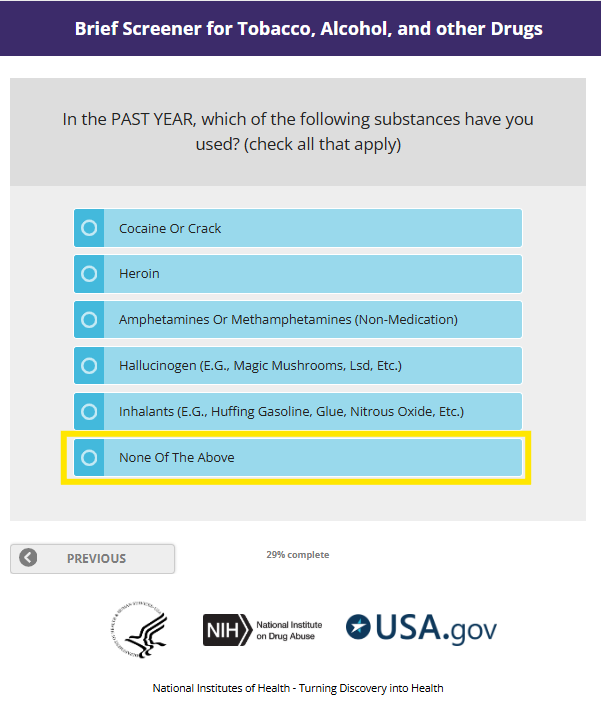
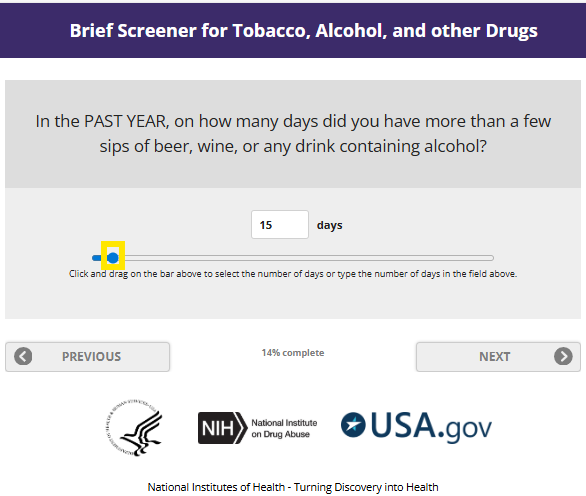
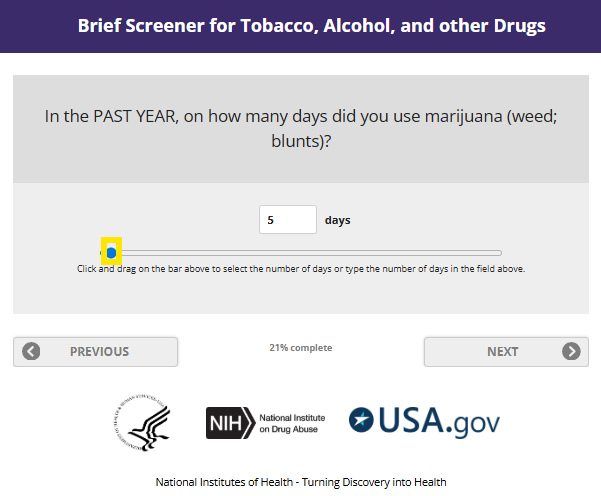
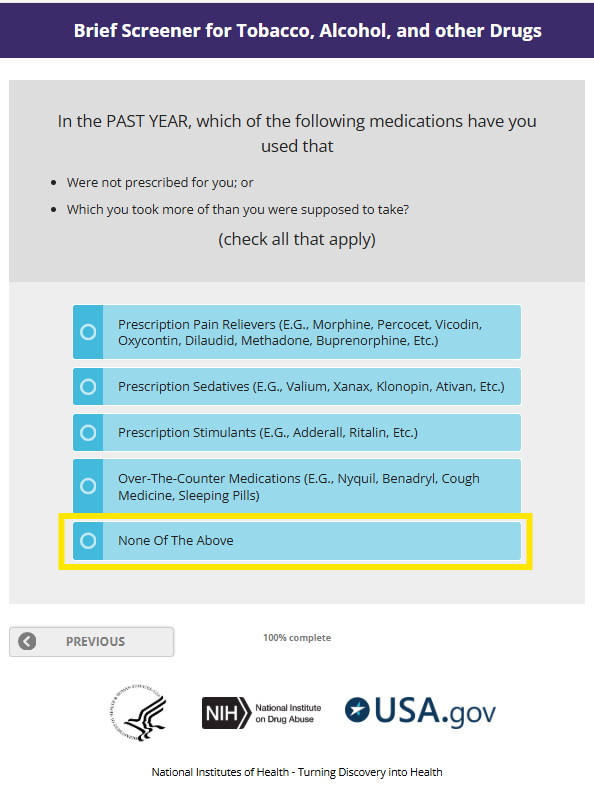
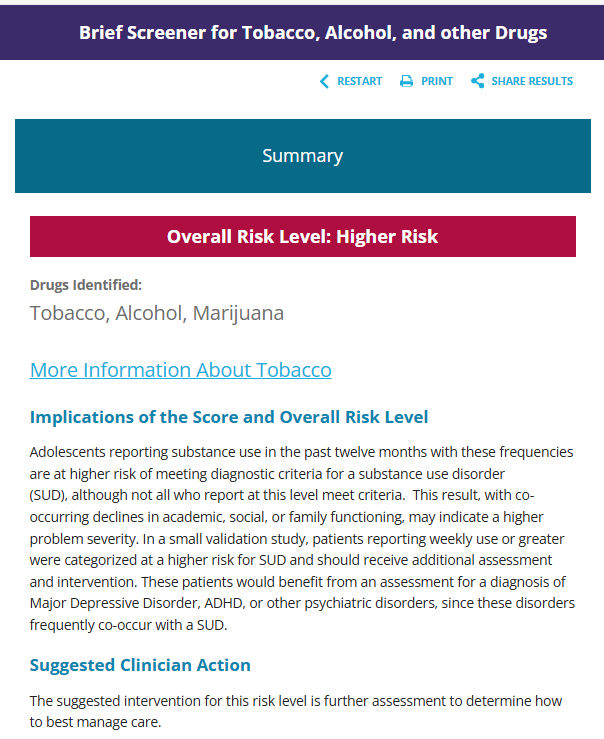
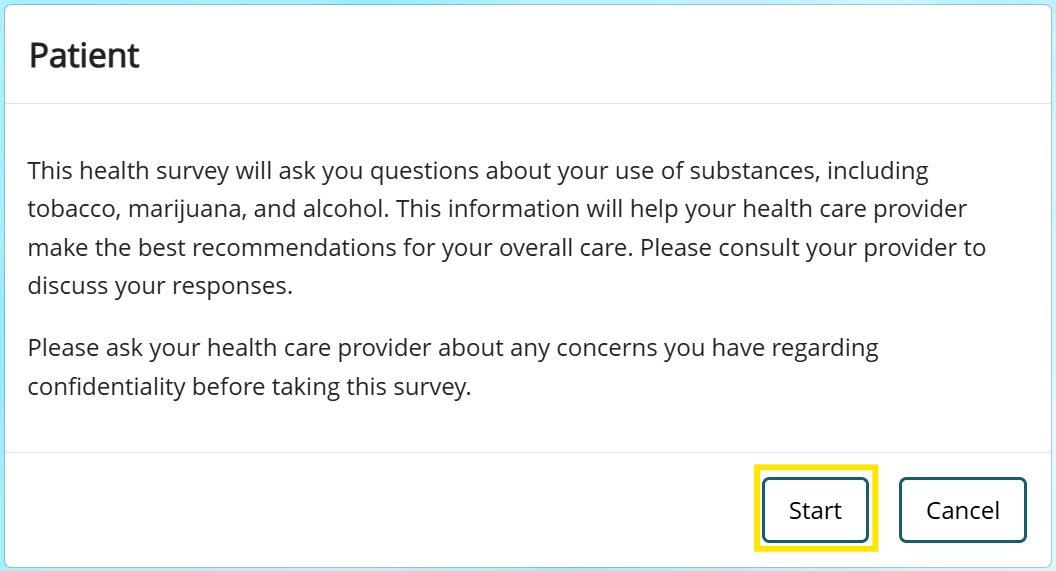
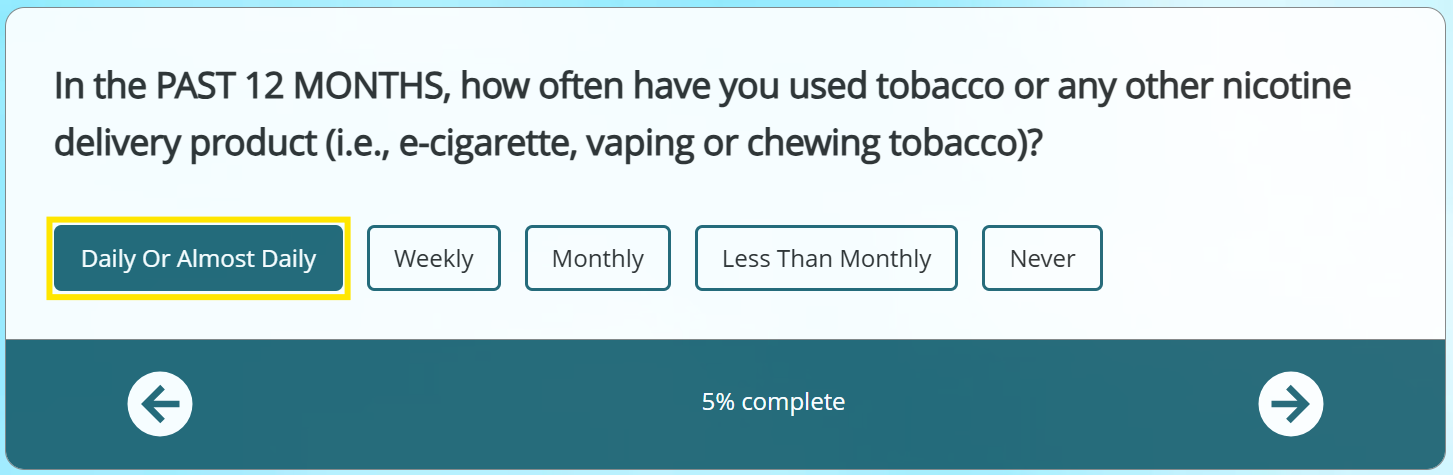
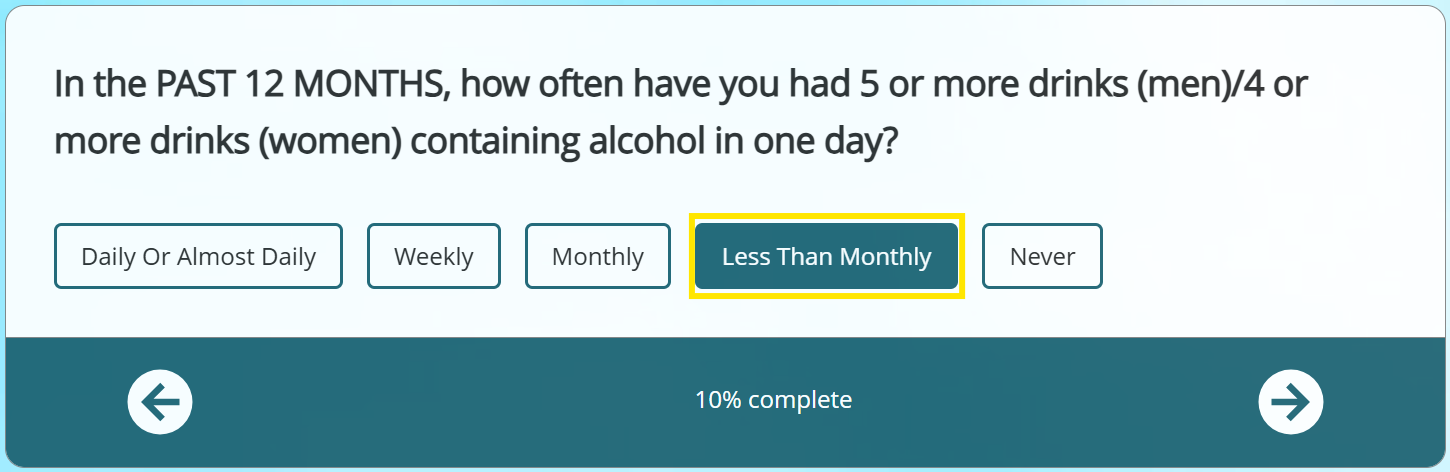
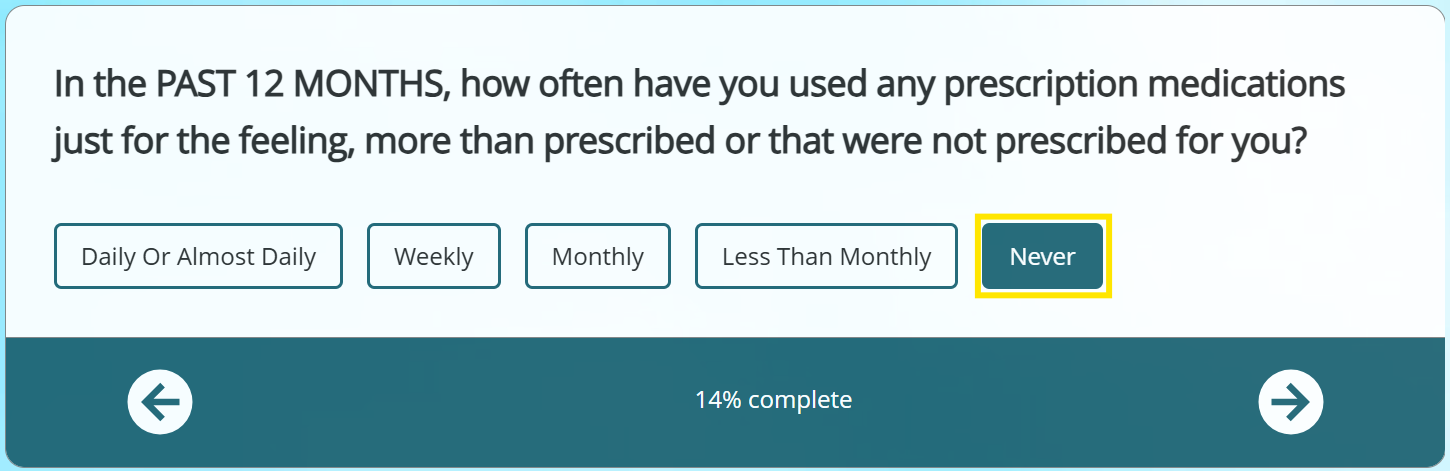
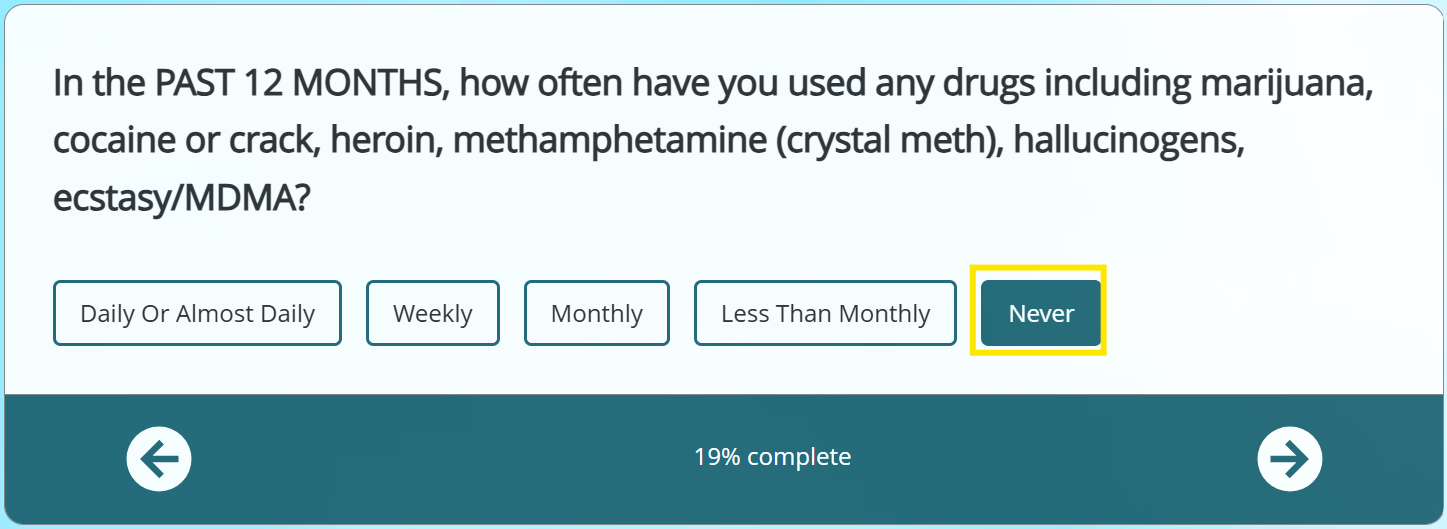
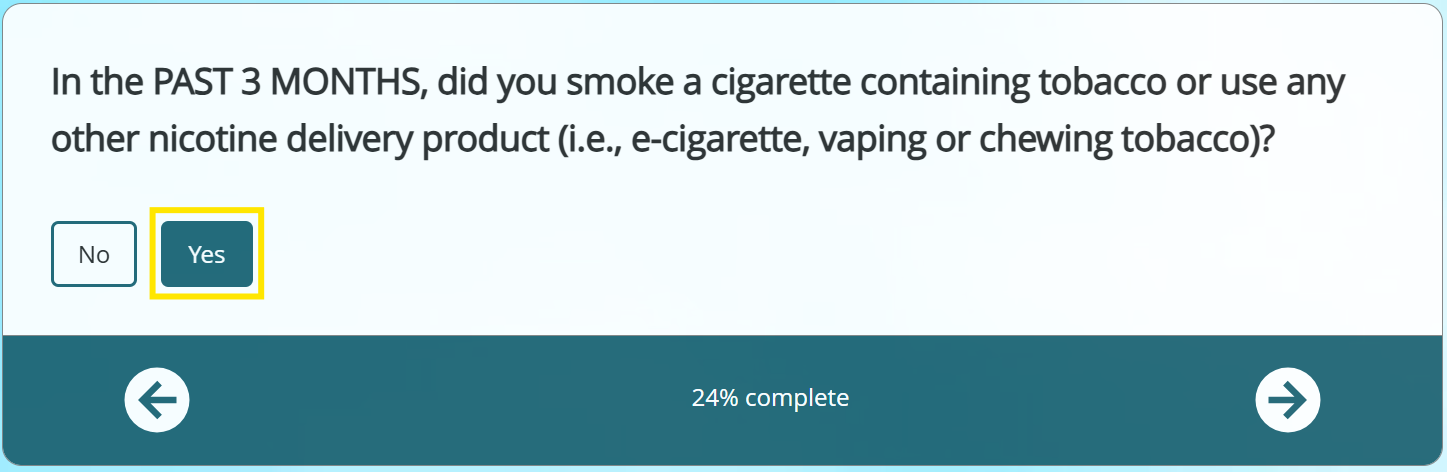
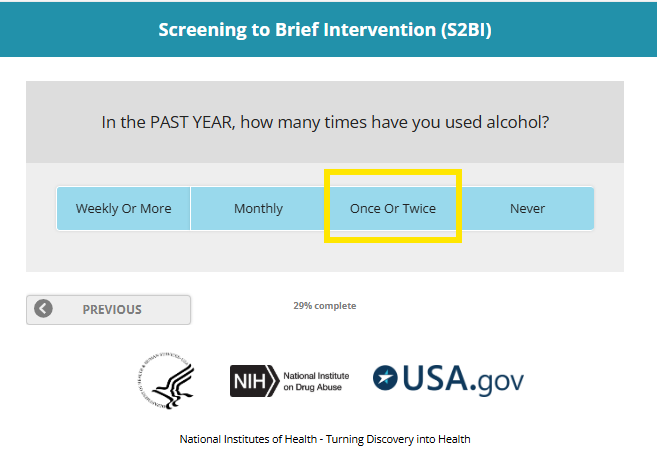
  • This online course provides an overview of the CRAFFT 2.1+N Interview screening tool, as well as several other screening/assessment tools that you may decide to incorporate into your workflow.
  • The CRAFFT 2.1 + N Tobacco/Nicotine Screening should ideally be completed during a student’s initial visit with the Tobacco Treatment Specialist.
    • It is understood, however, that the student may refuse the screening or that the screening may need to be completed at a later visit so the Tobacco Treatment Specialist can first build rapport & trust.
    • The reporting tool will allow the Tobacco Treatment Specialist to account for these scenarios by allowing the screening to be administered at any point during treatment services with a student.
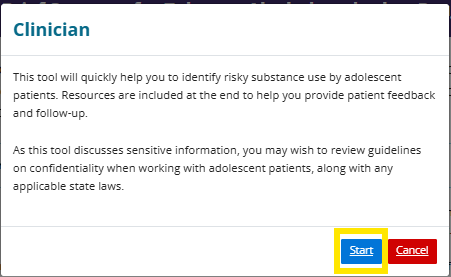
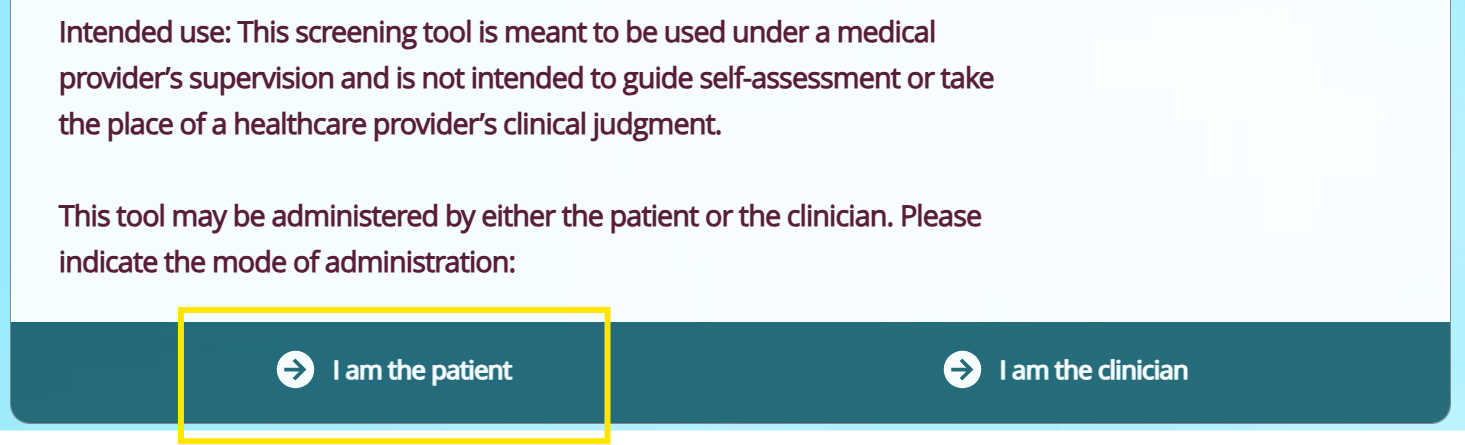
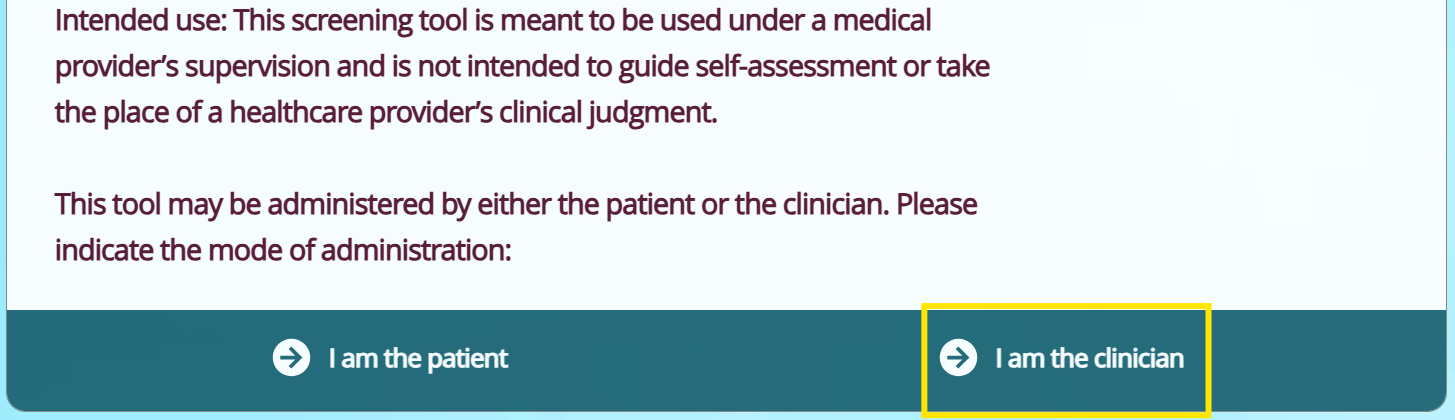
  • Treatment specialists can administer the screening verbally & check off responses or allow the student to self-administer the screening.
  • The screening should only be administered once annually during the student’s work with the Tobacco Treatment Specialist.
    • However, if a student ceases treatment services & returns later within the same contract year (July 1, 2025 – June 30, 2026), it should be readministered.
  • There should be no names included on the screening & the document should be shredded once it has been entered into the daily tracking tool.
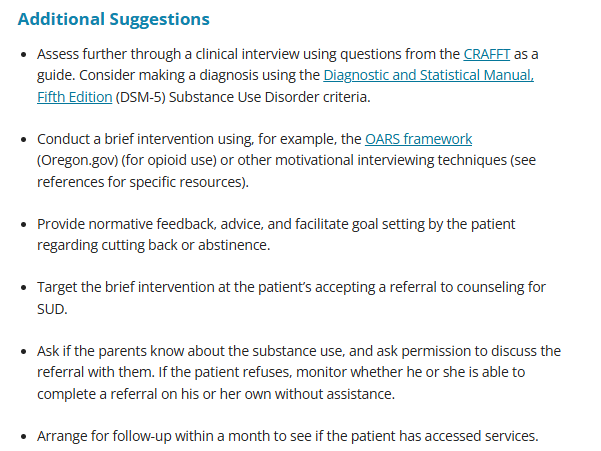
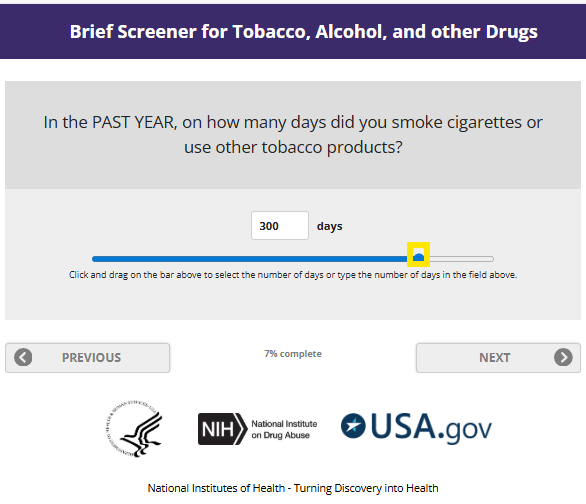
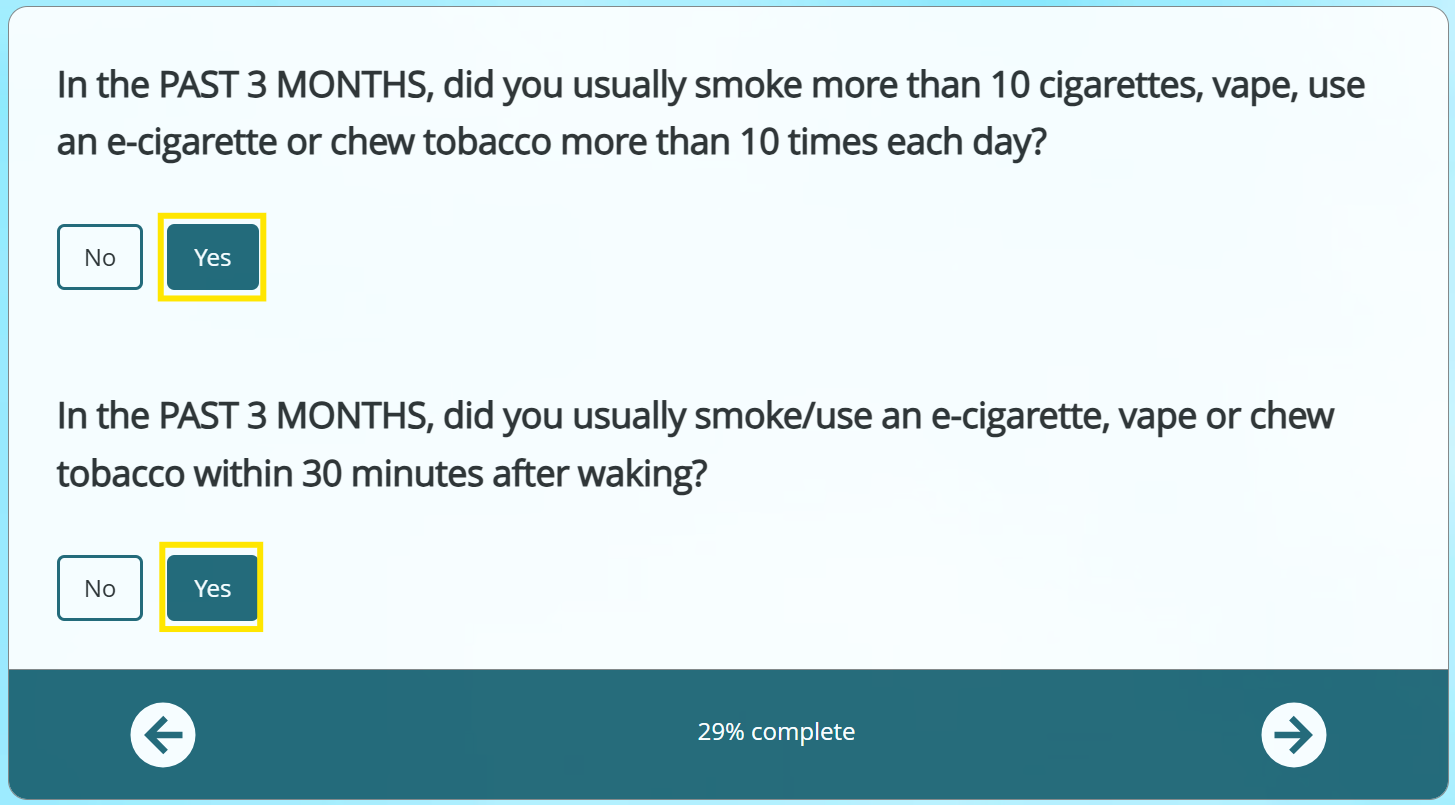
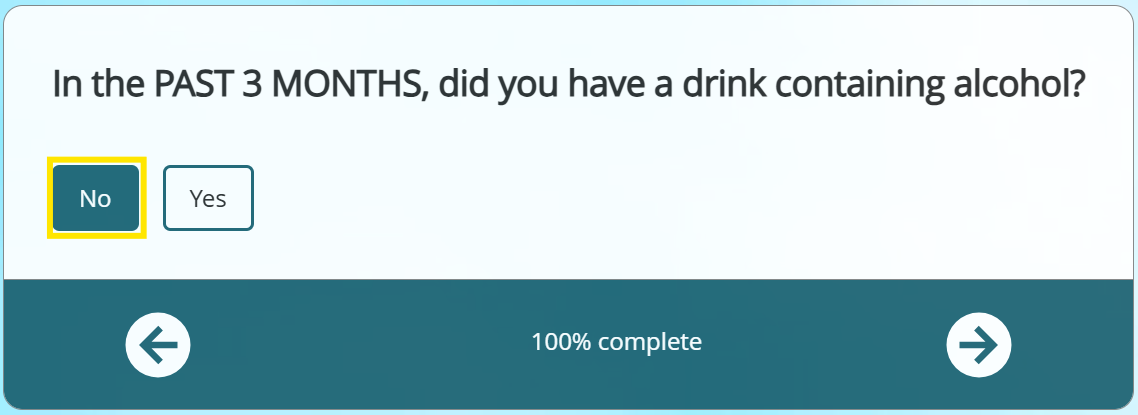
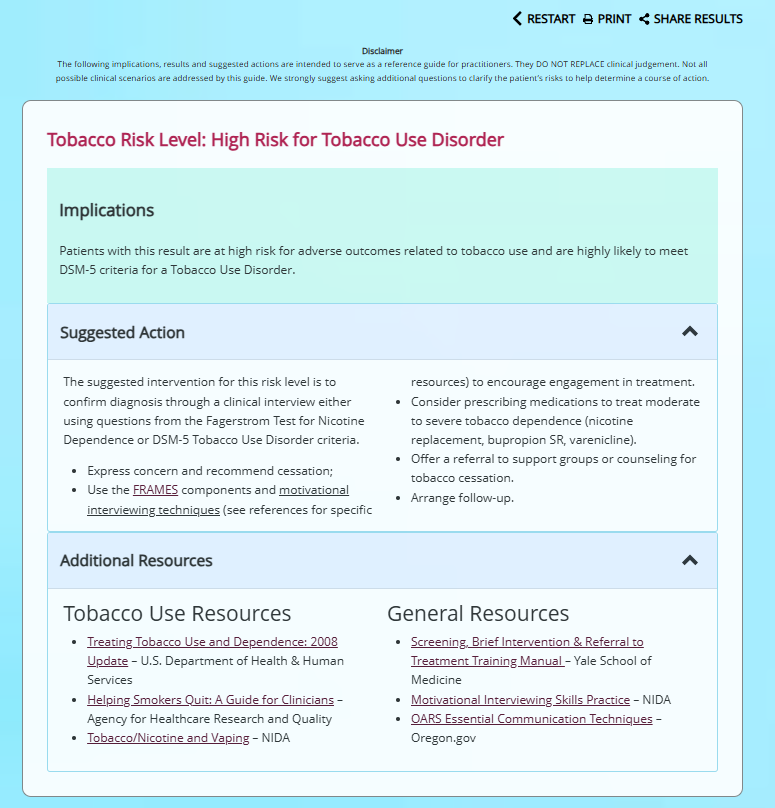
  • The screening should be used to assess the frequency & severity of the student’s tobacco/nicotine use & and help elicit motivations for change. It can also help a student reflect on their use & set goals as part of their Tobacco Treatment Plan.

PS-041

COPY PLAYER SNIP
HELP GUIDE

PS-041

COPY PLAYER SNIP
HELP GUIDE

PS-041

COPY PLAYER SNIP
HELP GUIDE

PS-041

COPY PLAYER SNIP
HELP GUIDE